



Manual Height Control
An integrated hand crank and hand knob support hands-on positioning for your space and setup.
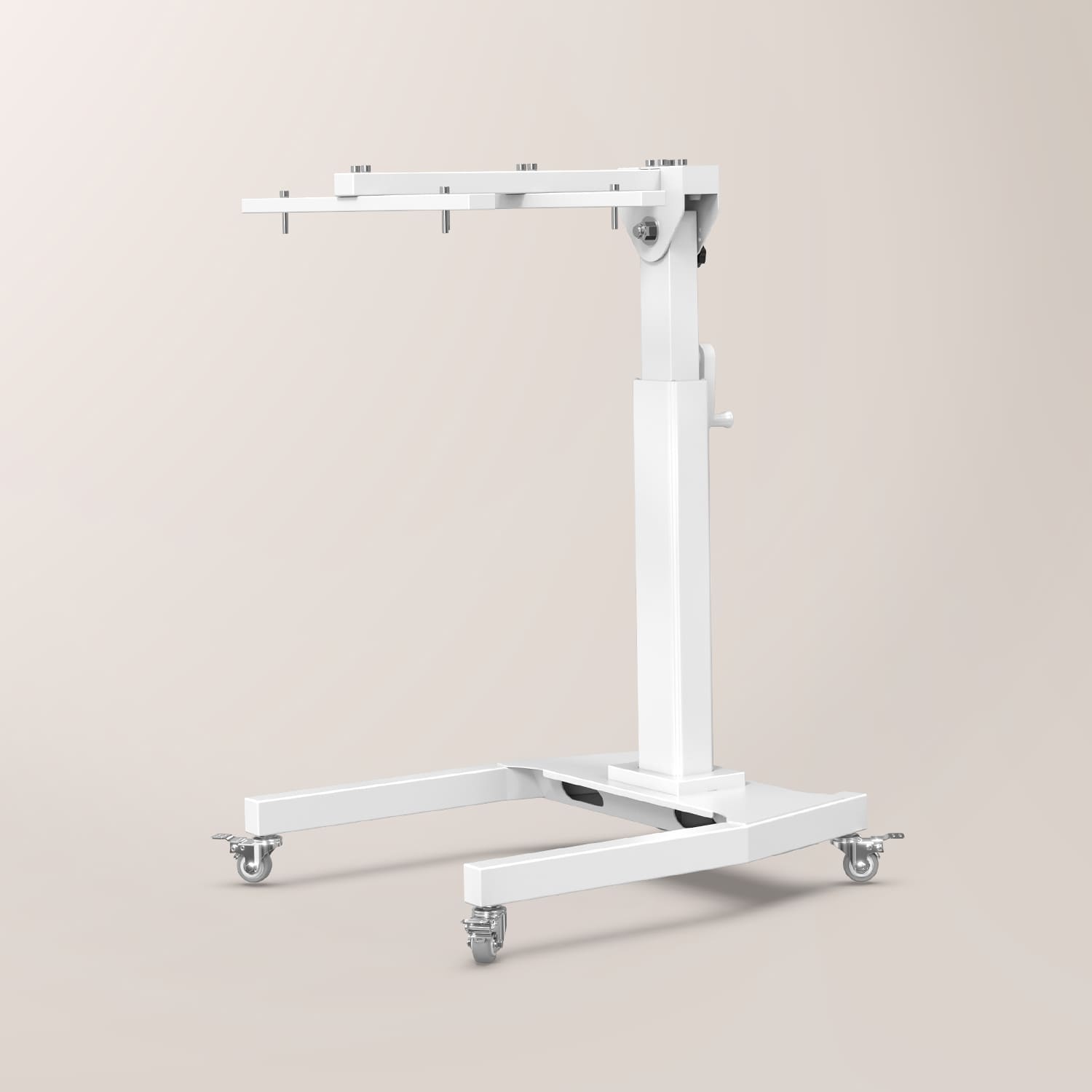
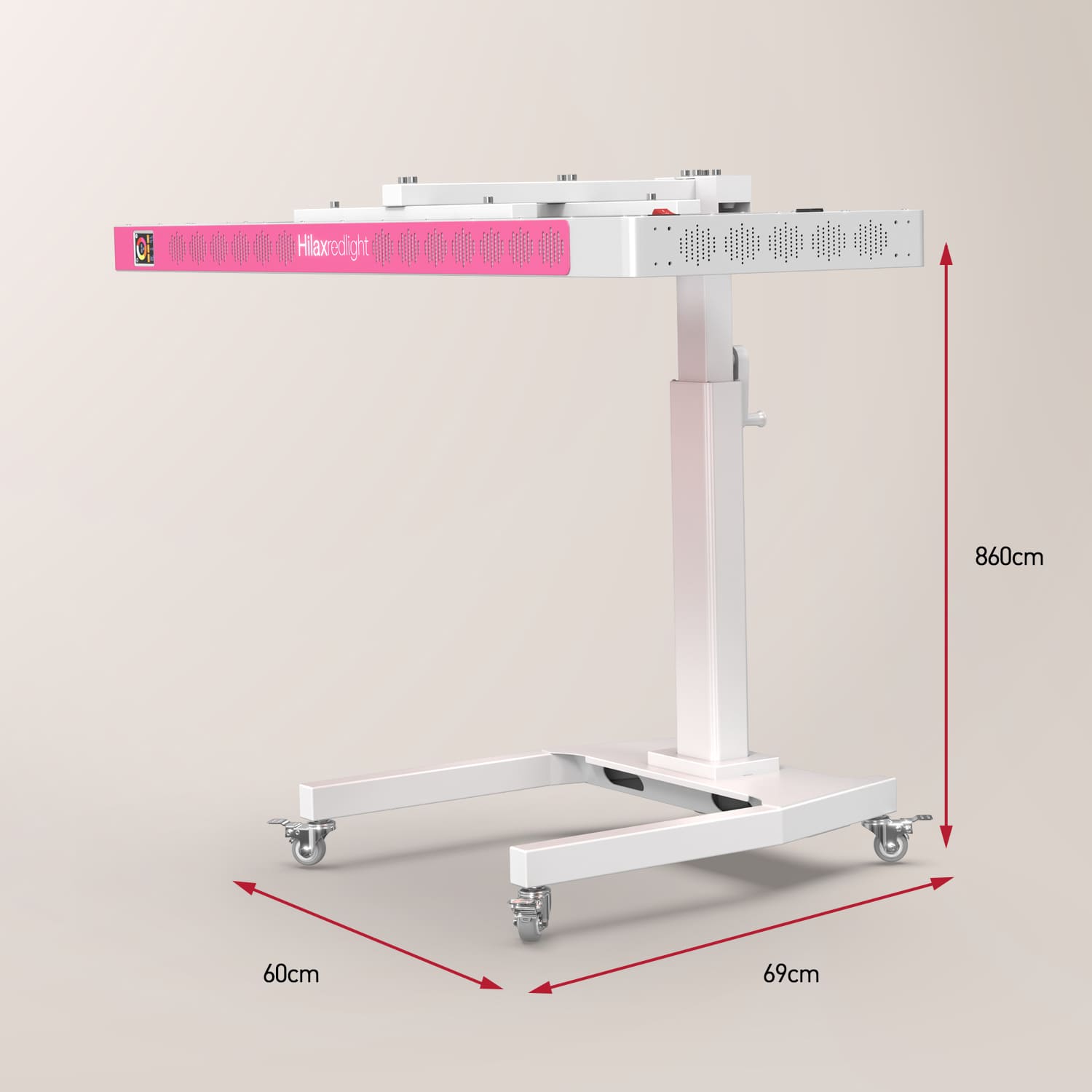
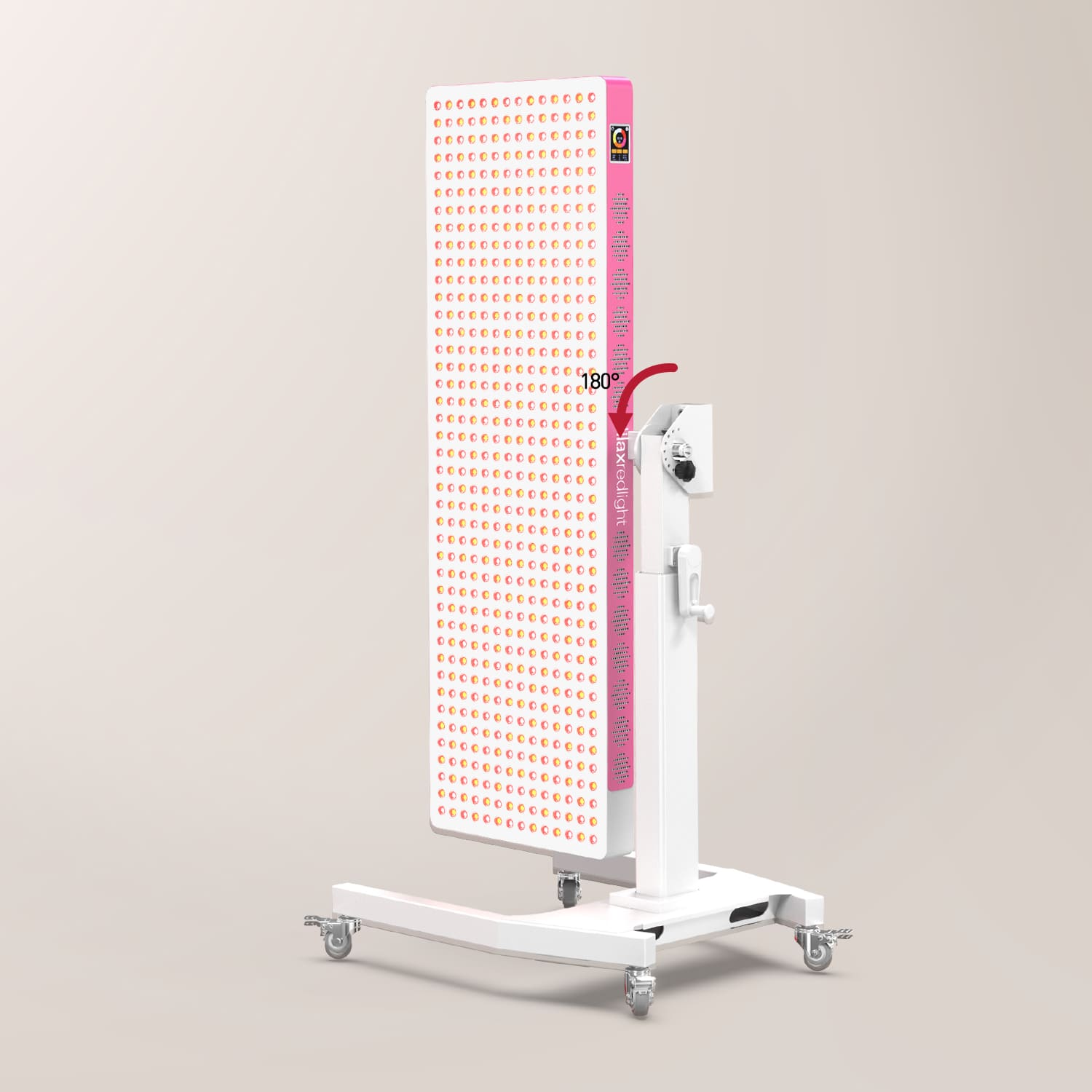
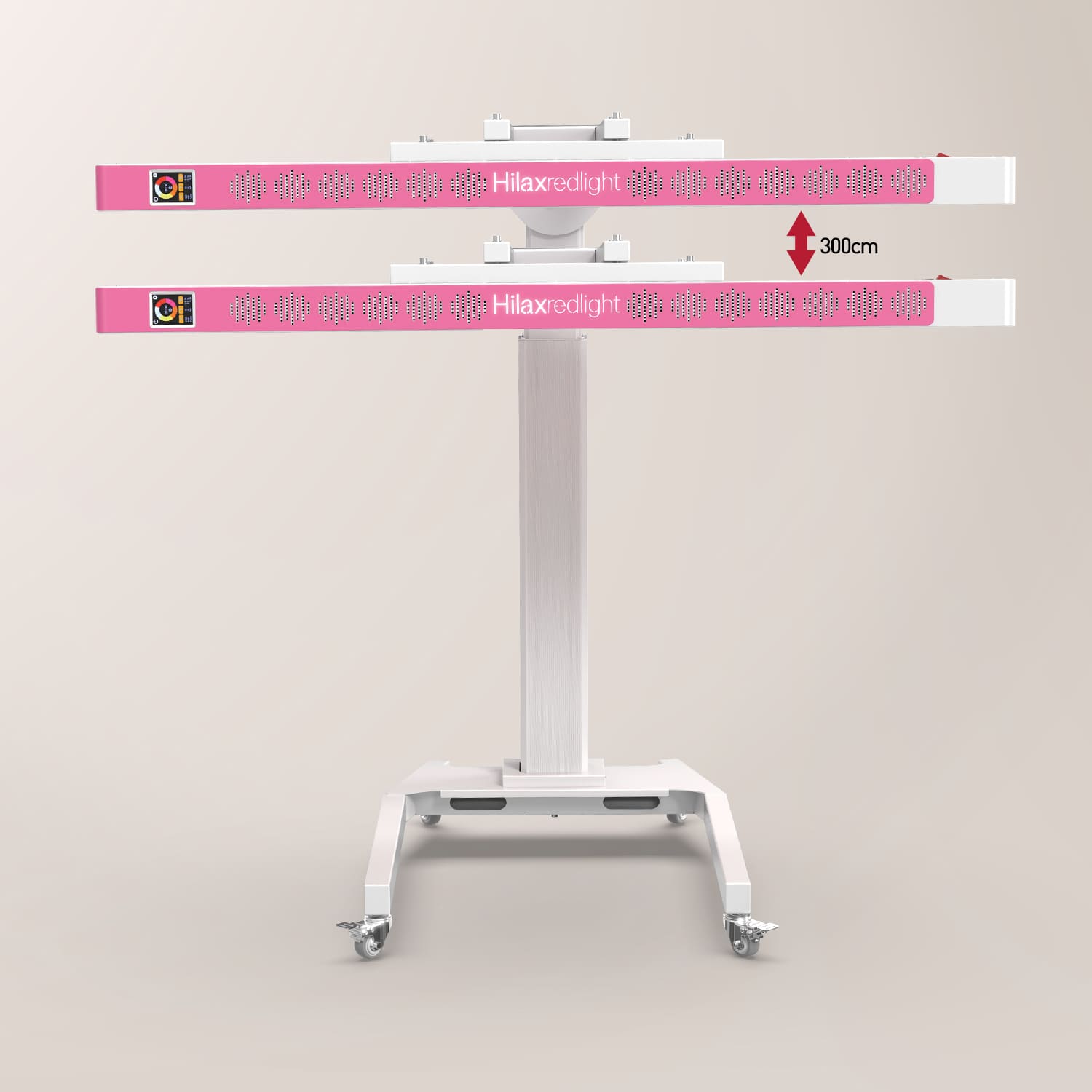
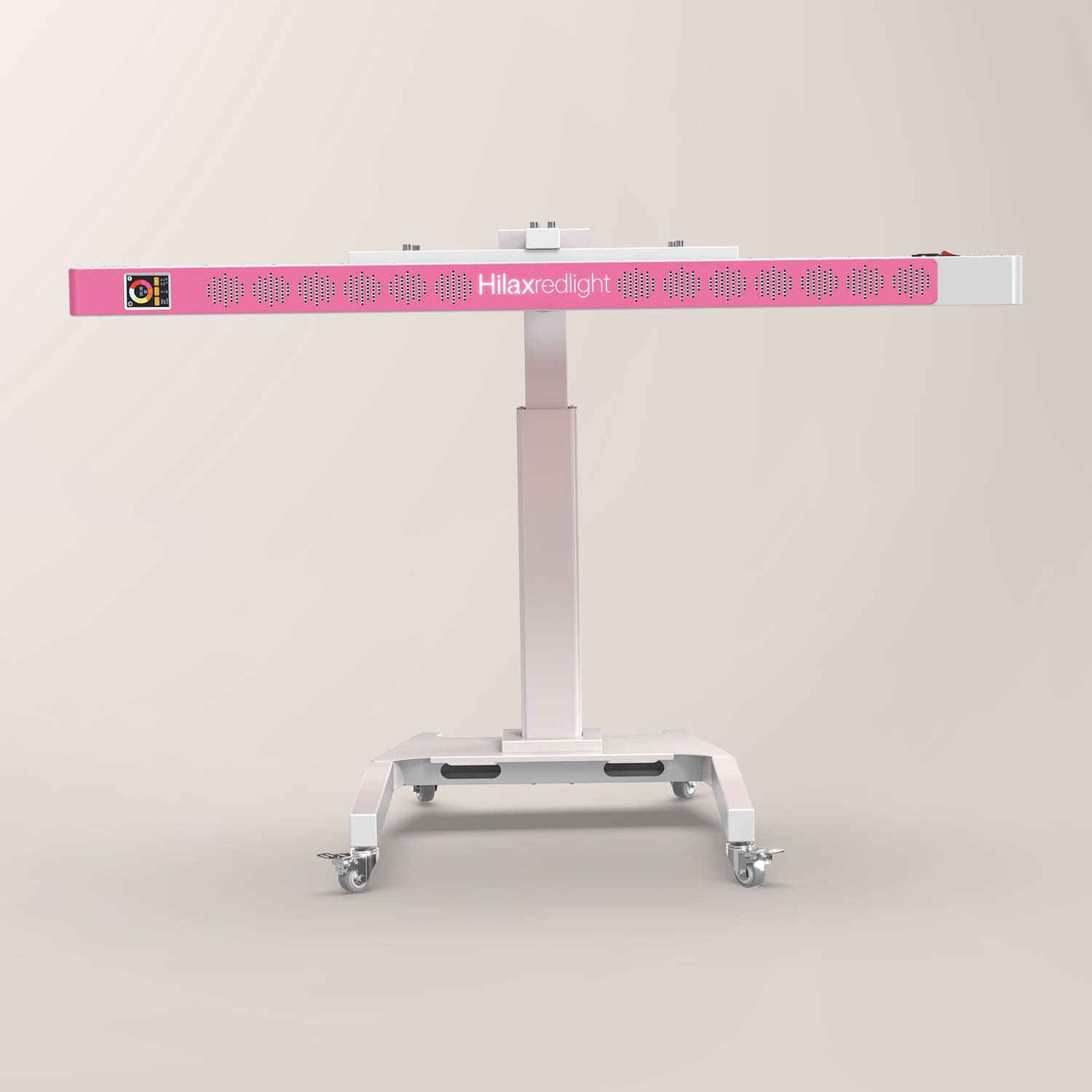
A rolling, hand-operated support system for compatible HilaxPro 1600 / HilaxPro 3000/HilaxPro4200 panels. Move between vertical and horizontal orientations, refine the angle, and build a more considered setup around your space.
Panel sold separately. Please verify compatibility with your Hilax panel model before purchase.
Designed for HilaxPro 1600 and HilaxPro 3000 panels. Panel sold separately.
Rolling base, vertical support column, horizontal mounting bar, vertical mounting bars, hand crank, hand knob, base cover and installation hardware.
Compatible panel not included.
Assembly is required. Follow the included installation guide, use the stand on a level surface, and verify all fasteners are secure before use.
Shipping availability and delivery timing are confirmed at checkout. Returns are handled under the current HILAX return policy.
Pairs well with
Hilax Manual-Adjust Stand For (Vertical or Horizontal)
If you have any questions, you are always welcome to contact us. We'll get back to you as soon as possible, within 24 hours on weekdays.
Shipping Information
Use this text to answer questions in as much detail as possible for your customers.
Customer Support
Use this text to answer questions in as much detail as possible for your customers.
FAQ’s
Use this text to answer questions in as much detail as possible for your customers.
Contact Us
Use this text to answer questions in as much detail as possible for your customers.
MADE FOR YOUR SPACE
An integrated hand crank and hand knob support hands-on positioning for your space and setup.
Move between upright and horizontal panel orientations with the 180° adjustment illustrated in the installation guide.
Reposition the stand smoothly, then place it where your routine needs it.
The mounting system is illustrated in both vertical and horizontal panel configurations.
ONE STAND, DIFFERENT SETUPS
Change the orientation around the room—not the room around the panel.


AT A GLANCE
Essential reference points, arranged for a clear comparison before you build your setup.
FROM BOX TO POSITION
The supplied guide follows a clear assembly sequence. Take your time, work on a level surface, and keep the guide for future reference.
The panel illustrations in the guide are for assembly demonstration only. Actual product appearance may vary.
Attach the four swivel casters to the base plate.
Secure the vertical support column to the base.
Install the horizontal mounting bar.
Attach the vertical mounting bars to the compatible panel.
Mount the panel assembly to the stand.
Install the hand crank and hand knob, then set the orientation for your space.
WHAT’S INCLUDED
The stand system includes the rolling base with four swivel casters, vertical support column, horizontal mounting bar, vertical mounting bars, hand crank, hand knob, base cover, and the required fastening hardware.
Compatible panel sold separately.
SUPPORT
Designed for HilaxPro 1600 and HilaxPro 3000 panels. Please check the stand product page before ordering.
Yes. The supplied installation guide illustrates both upright and horizontal panel configurations.
No. The stand uses a manual hand crank and hand knob for positioning. Your panel connects to its own power source.
Yes. The base uses four swivel casters to make repositioning straightforward.
Yes. Follow the included installation guide and retain it for future reference.
A CONSIDERED SETUP
Bring compatible HILAX panels into a position that works with your space, your orientation, and your routine.